1.Go to Artivive Bridge
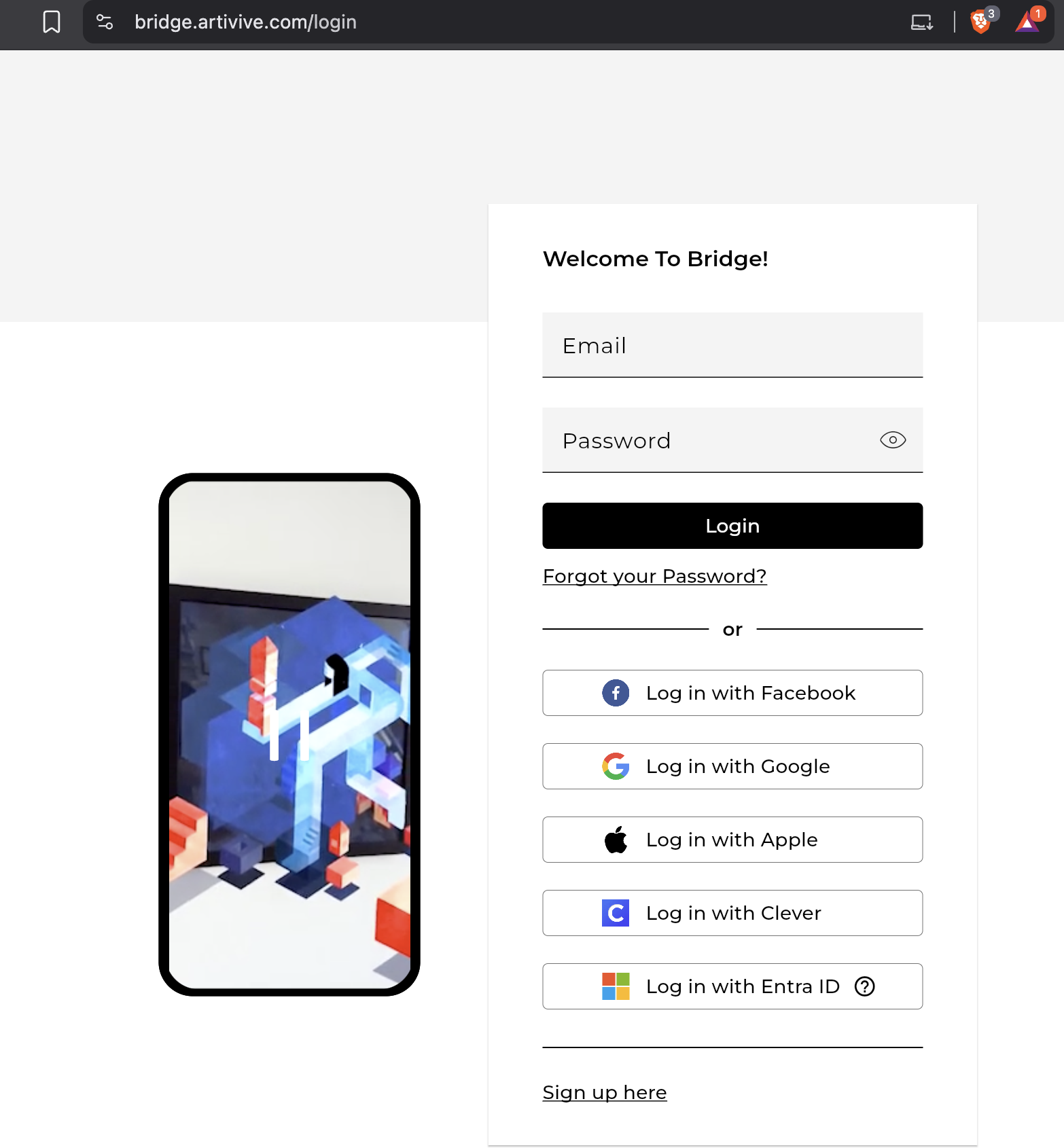
Open bridge.artivive.com and scroll to the bottom of the login page. You will now see Log in with Entra ID.
2.Open the Entra ID setup
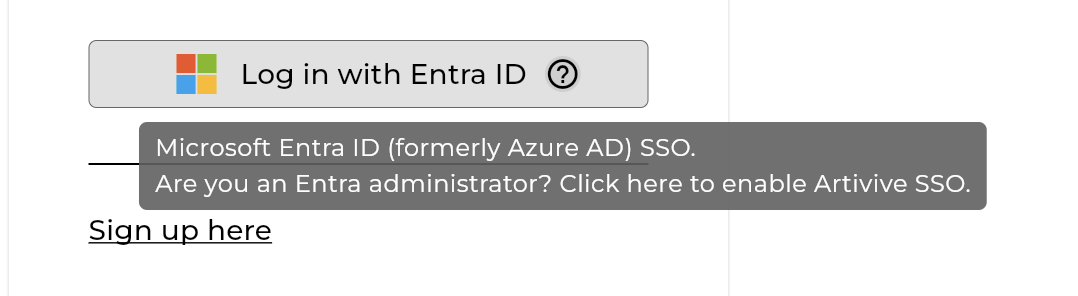
The Entra Admin should hover over the (?) icon next to the Entra ID login option and click on it.
3.Log in as the Entra Admin
After clicking the (?) icon, an additional option will appear underneath. Click on it and log in using the Entra Admin's Entra account.
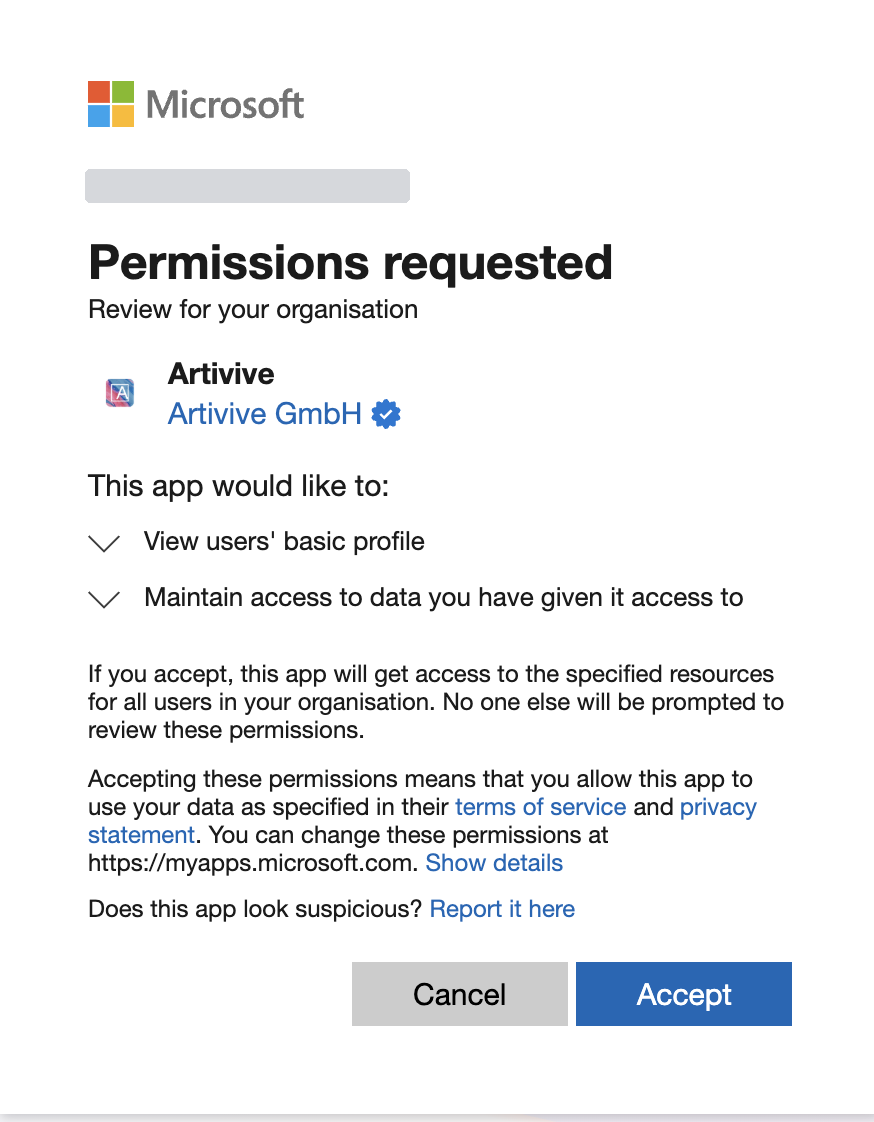
4.Confirm the setup
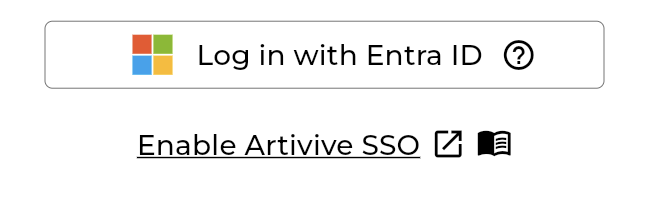
An option will appear which you can click and log in with your Admin Entra email account.
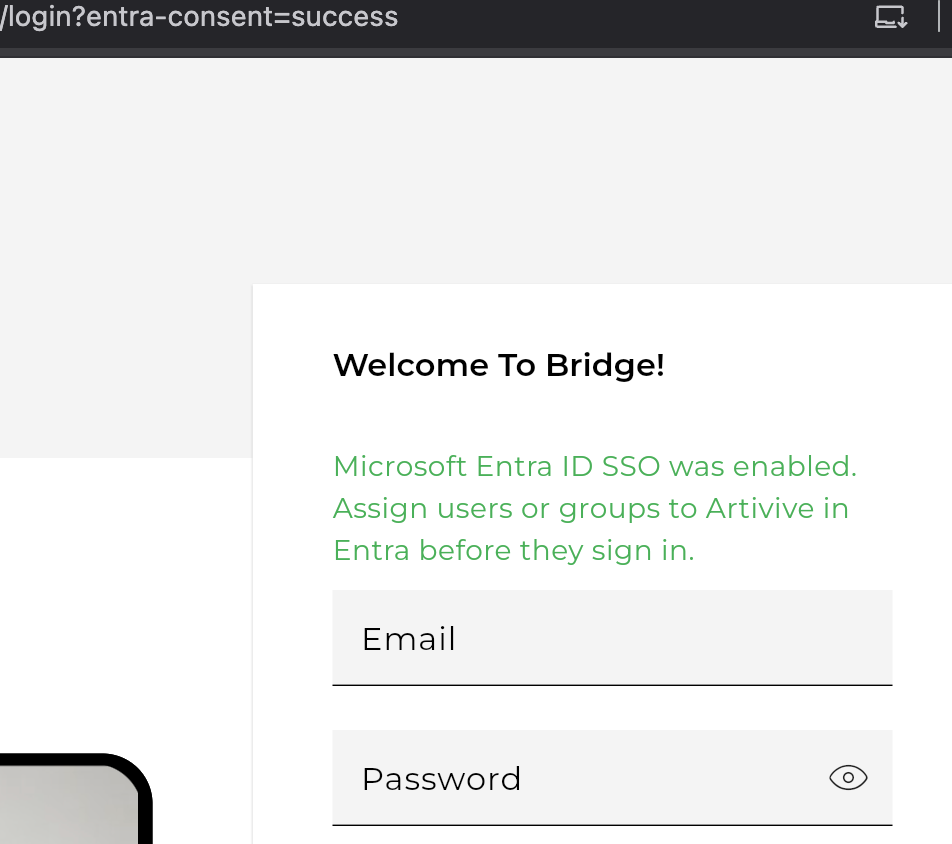
After you set it up correctly you should see a success message in green like this:
5.Log in with Entra ID
After the success message appears, you can simply click Log in with Entra ID and sign in with an account that has access to Artivive in your Admin Entra dashboard.

If you see an error
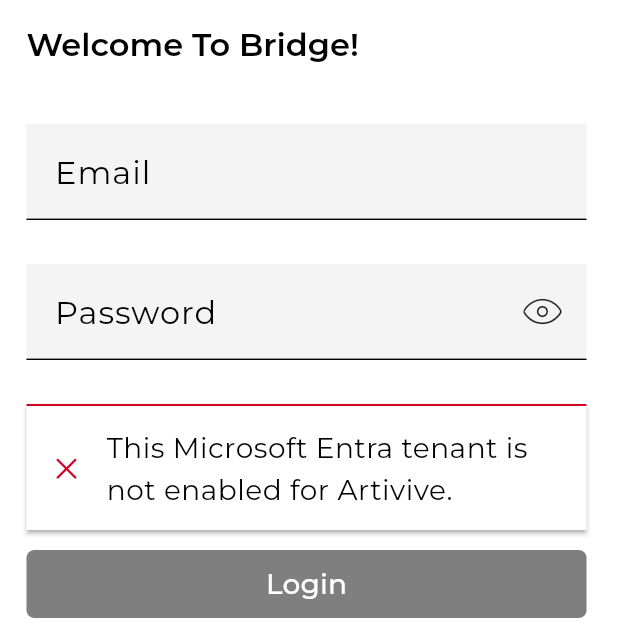
If the admin setup has not been completed, or if you have not yet been granted permission in the Admin Entra dashboard, you will see an error message.